Turn Your Code Into
Visual MasterPeice
Stop sharing boring screenshots. Create stunning, professional code snapshots that grab attention, showcase your work beautifully, and make you stand out in the developer community.
$ npm install -g @opscode/snappy
# Start creating beautiful snapshots in seconds
Why Developers Love Snappy
Everything you need to showcase your code like a pro. Stand out from the crowd and build your developer brand.
Instant Recognition
Make your code impossible to ignore. Beautiful snapshots that get noticed in tweets, blog posts, and portfolios.
Professional Themes
Choose from stunning presets like Nord, Dracula, and Monokai. Each theme designed to make your code shine.
Lightning Fast
No slow cloud services. Uses your local browser for instant, high-quality snapshots. One command, perfect results.
Zero Hassle Setup
No bundled browsers. No heavy dependencies. Just install and start creating professional snapshots immediately.
Real Snapshots, Real Impact
From developers who refuse to share boring screenshots
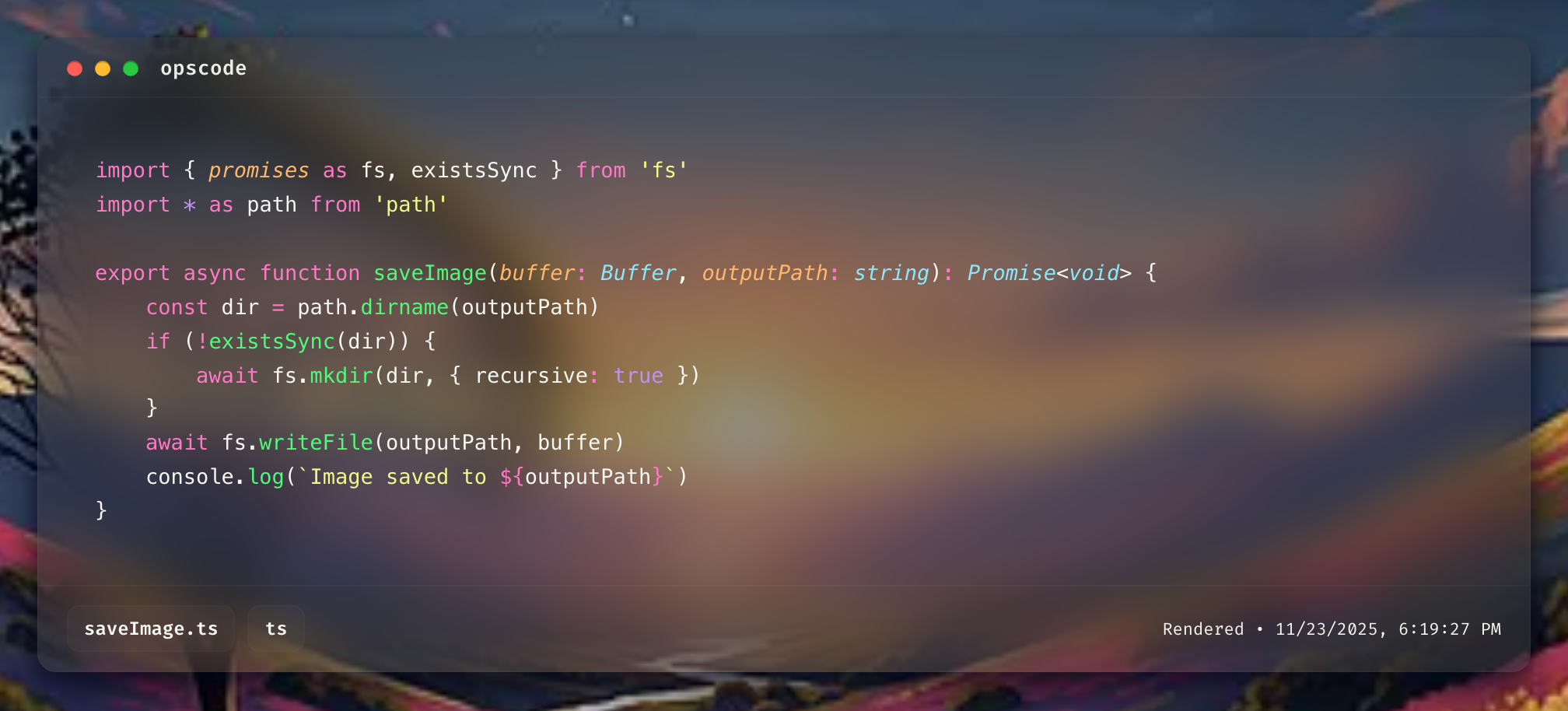
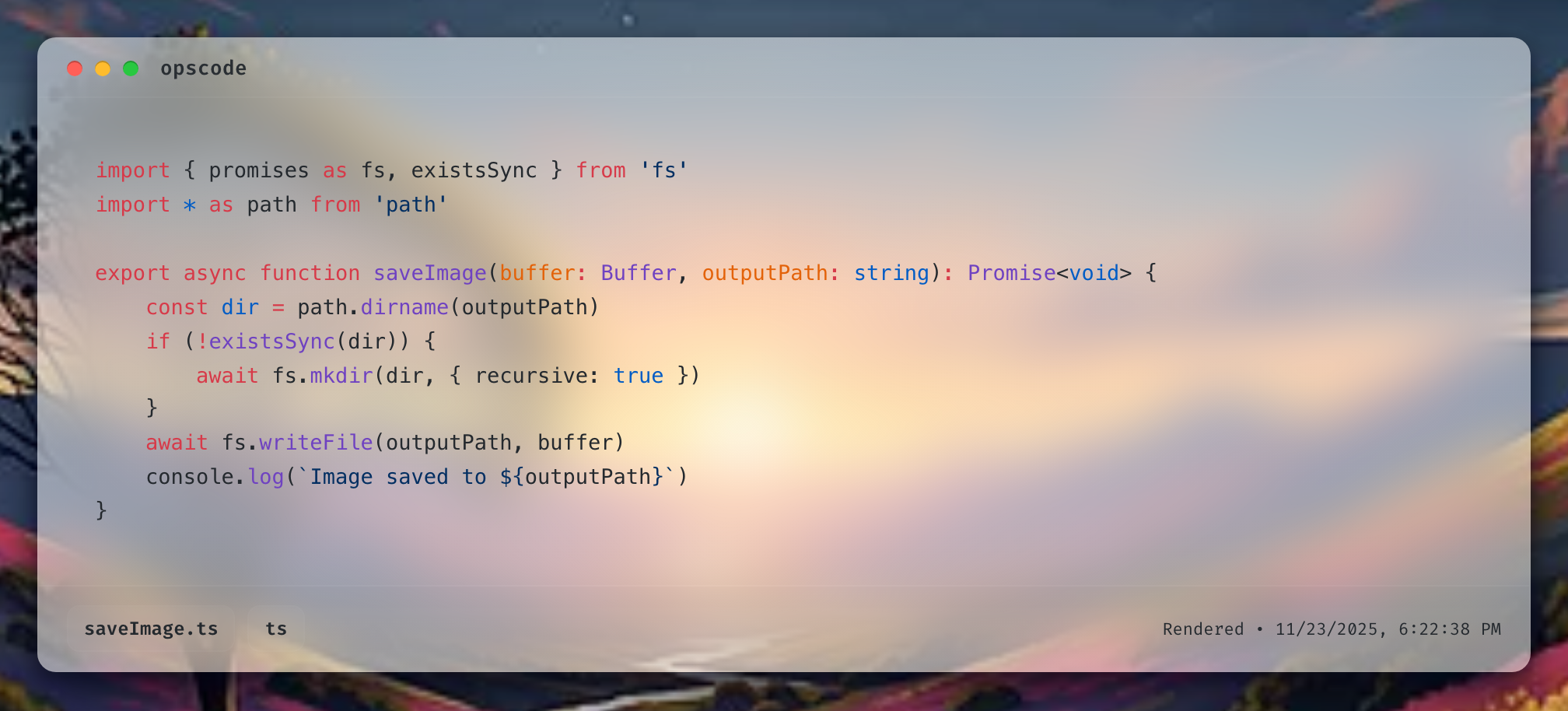
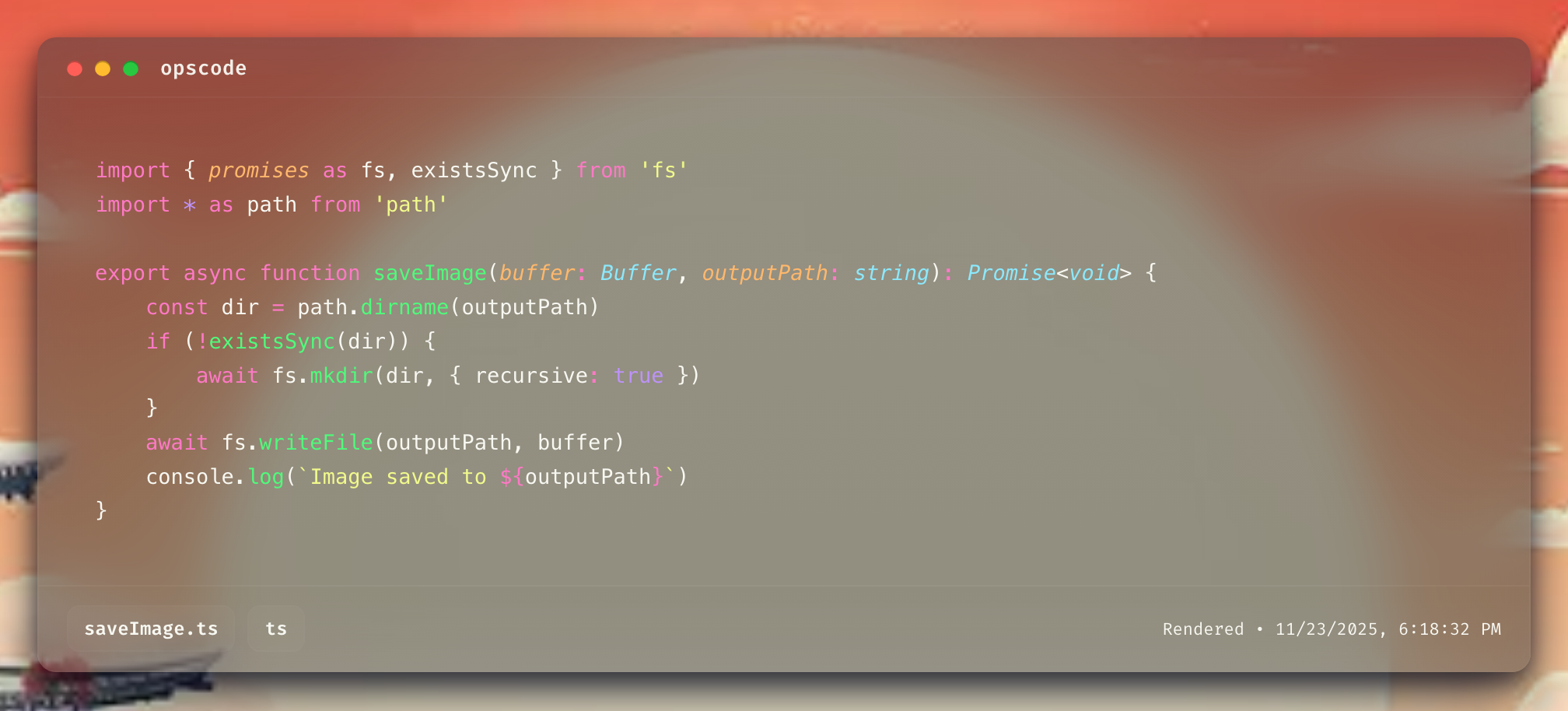
See It In Action
Watch how easy it is to transform your code into stunning visuals
Get Started in 60 Seconds
No configuration files. No complex setup. Just install and create stunning snapshots.
npm install -g @opscode/snappyInstall globally with one simple command
snappy capture myfile.js --theme draculaCreate your first beautiful snapshot
Share and get noticedPost to Twitter, GitHub, or your portfolio
Available Themes
Use --theme to select your favorite style.
Gradient Backgrounds
Use --background to select a gradient.
- Solid colors:
--background "#222831" - CSS gradients:
--background "linear-gradient(to right, #ff9966, #ff5e62)" - Image files:
--background "./mywallpaper.png"
Mix solid colors, gradients, or images for your snapshot background.
--opacity (0–100).--opacity 80Lower values make your background more transparent.
snappy capture myfile.js --theme dracula --background dusk --opacity 90 --output snapshot.pngMix and match themes, backgrounds, and opacity to create your perfect code snapshot.
You’re not limited—use any CSS color, gradient, or image as a background!
Ready to Stand Out?
Join thousands of developers who are already creating stunning code snapshots. Your next viral tweet starts here.
Free forever. No credit card required. No strings attached.